
Proof it's real.
Only one click.

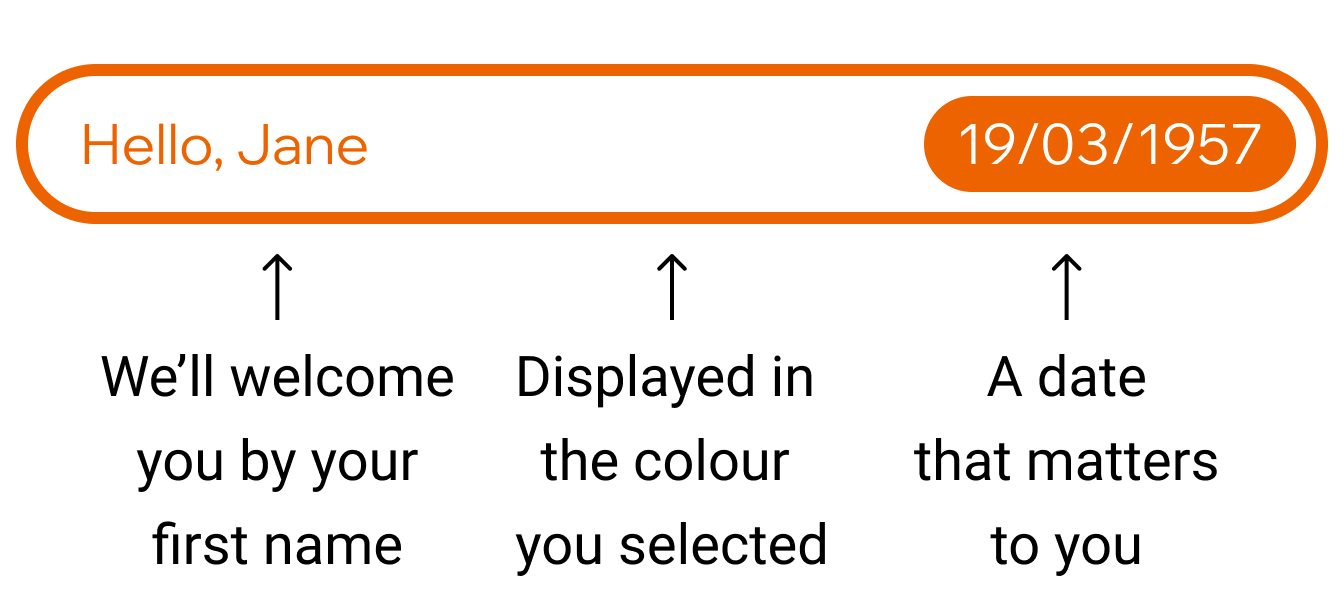
Create your #trstd secret
A unique combination of your first name, a colour of your choice, and a meaningful date.

Activate your protection
Click on the #trstd login before trusting a website. If it’s genuine, it will show you your personal #trstd secret.












Safe online shopping starts with #trstd
Real doesn’t mean claimed. Real means proven.

Real shops
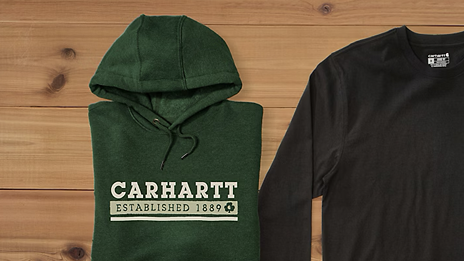
Every #trstd retailer is carefully verified for authenticity.

Real reviews
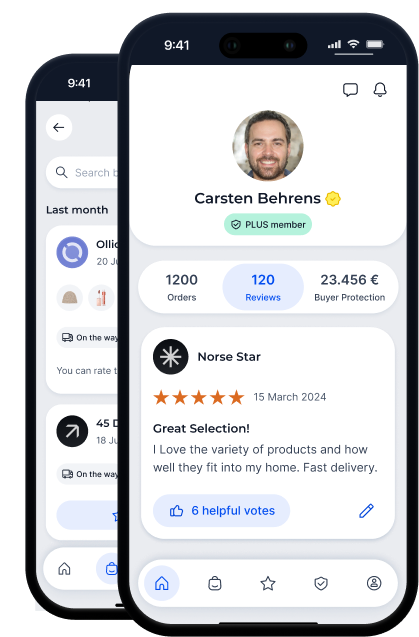
Real shoppers share real experiences based on real orders.

Real money-back guarantee
Offered by shops that have earned the Trusted Shops Trustmark
Your orders.
Your protections.
Your voice.


FAQ: The #trstd secret proves the authenticity of websites
Where do I find the #trstd login?
Websites can prove their authenticity by implementing the #trstd login, just as we do on our own #trstd profiles. Every verified shop on #trstd has such a profile, which provides the #trstd login in the upper right corner. If your personal #trstd secret appears there, you can trust that the reviews and information displayed are genuine.
How do I create my #trstd secret?
When you sign up for #trstd, you’ll be guided through the process of creating your #trstd secret. It only takes a few seconds, and it’s free. If you already have an account but haven’t created a #trstd secret yet, simply log in again, and you’ll be prompted to set up your personal one.
Can I change my #trstd secret?
Yes. You can change your #trstd secret anytime in your account settings.
What if I forget my #trstd secret?
No worries. It’s not like a password. Just log in to your #trstd account at trstd.com and you’ll find it there. You can edit it there as well. If you follow our tip of combining memorable parts, you will recognise your personal #trstd secret when it’s shown to you. Therefore, please use a meaningful date, like your mother’s birthday, your wedding day, etc. You don’t need to tell us why this date is important to you. Then, combine it with your first name and a colour of your choice.
Is my #trstd secret the same as my password?
No. It is used to instantly verify the authenticity of a website. When you click on the #trstd login, your #trstd secret will only be sent to a website verified by #trstd. By the way, you do not need to remember a password to log in at trstd.com. We have switched to passwordless authentication.
Why do I need a #trstd secret at all?
Checking the authenticity of a website in the era of fakes is getting more and more important. The #trstd secret protects you from fakes. Therefore, check it before you trust them! Simple. Free. Instant.
What should I do if I think someone else knows my #trstd secret?
Your #trstd secret should remain private. If somebody else knows your #trstd secret, it doesn’t mean you are compromised. A malicious website would need a connection between its visitors and captured #trstd secrets to display each visitor’s personal secret. Therefore, don’t panic, but we recommend changing your #trstd secret.